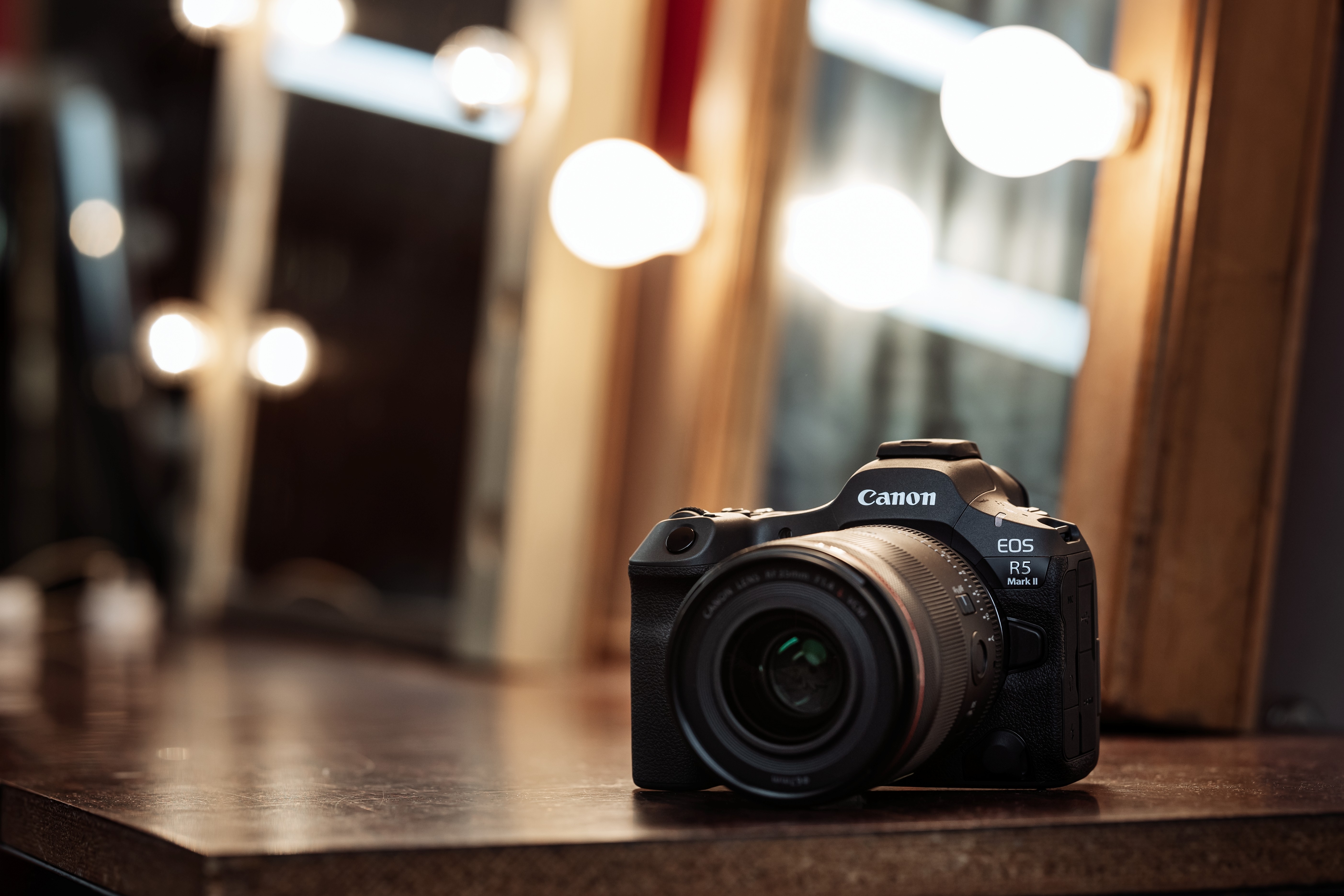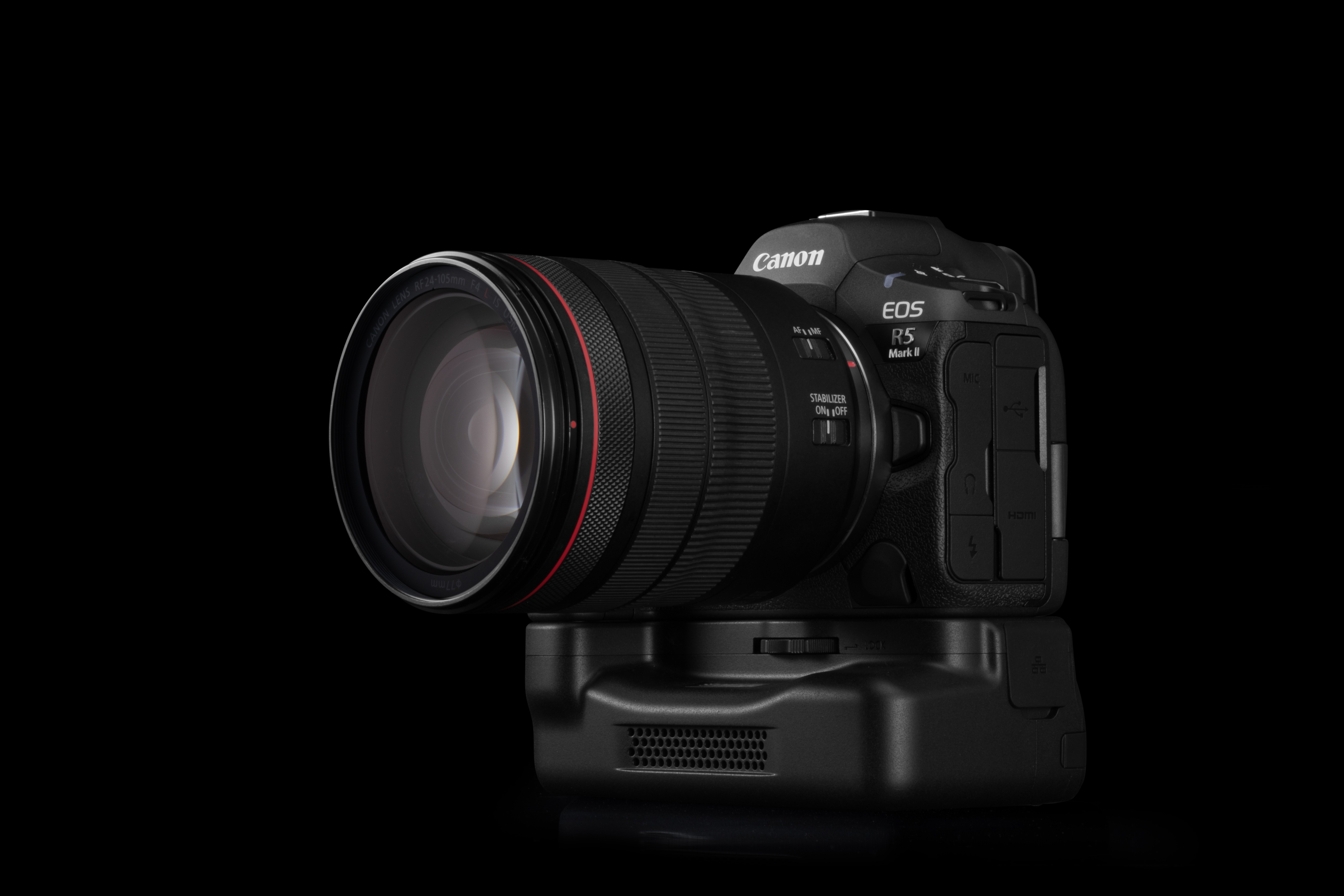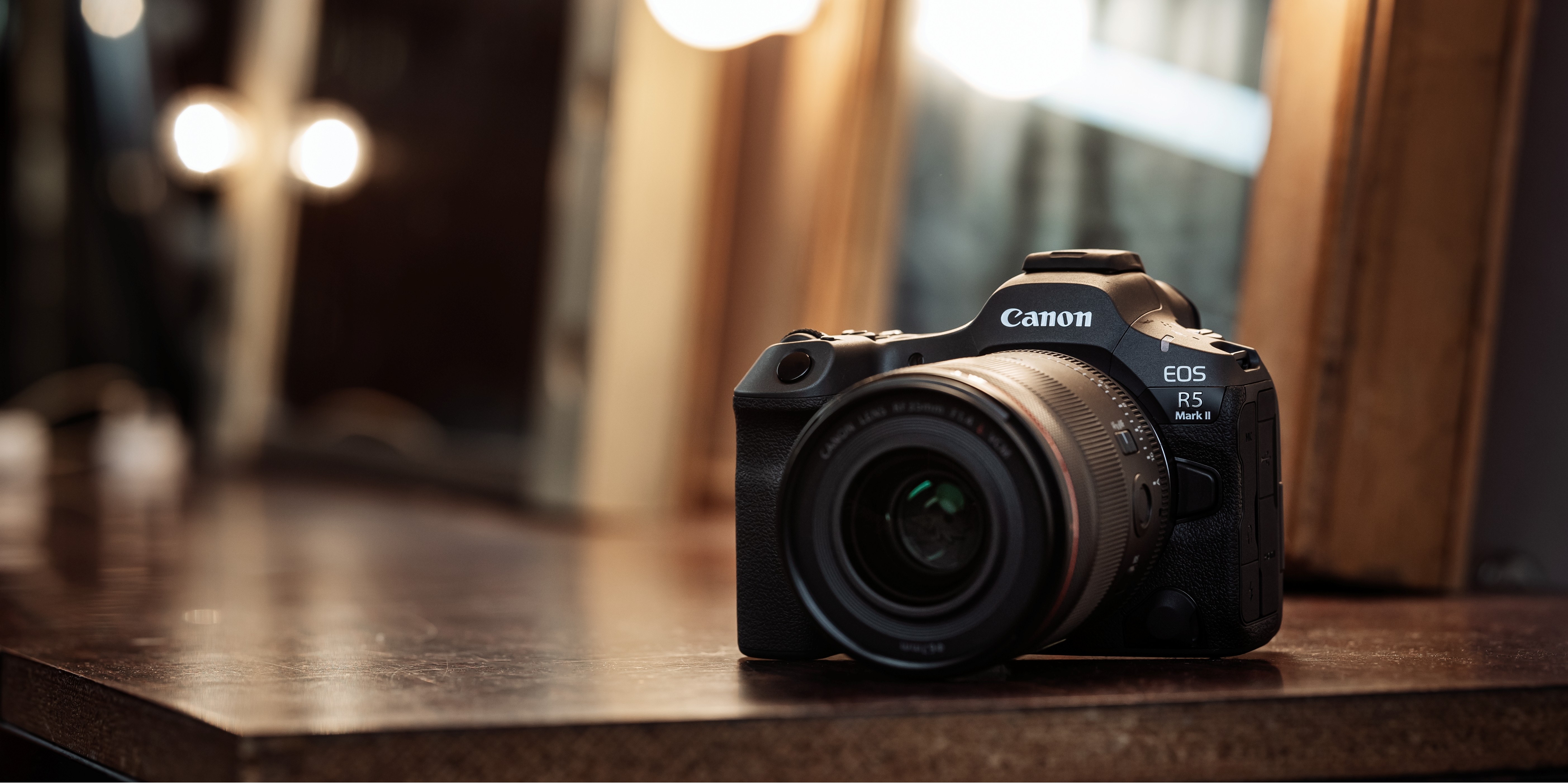
The Canon EOS R5 Mark II is designed to deliver exceptional performance across both photography and filmmaking. Setting up the camera correctly helps you get the best from its advanced autofocus, recording capabilities, and hybrid workflow.
In this video, you'll learn how to configure the EOS R5 Mark II for professional photo and video production. We cover recommended memory card configurations for high-resolution recording, selecting the right RF lens for your workflow, enabling image stabilization, and setting up subject detection with Eye and Face Tracking for reliable autofocus.
You'll also discover how to connect an external microphone and headphones for improved audio monitoring, use the full-size HDMI port with an external monitor or recorder, and extend recording sessions with USB-C power or an optional cooling fan grip. These practical tips help you build a reliable workflow whether you're filming interviews, creating content, or capturing still images.
Watch the video above to learn how to prepare the Canon EOS R5 Mark II for your next creative project and get the most from its powerful hybrid capabilities.